


Pixarcade Console™
Pixarcade Console™
📺 Compatible with Any TV – Just plug & play
🔒 90-Day Money-Back Guarantee
🎁 Free Gifts (Limited-Time Offer)
🎮 All Games Pre-Installed – No downloads required
SELECT NUMBER OF GAMES

+2 FREE Controllers

+10,000 FREE Games
ⓘ UPDATE:
We're currently going viral on social media and have very limited stock remaining!
Get yours now before we sell out again!
Couldn't load pickup availability
- Visa payment method
- Master payment method
- Paypal payment method
- Klarna payment method
- Apple pay payment method
- Google pay payment method
-

I didn’t expect much for the price, but it’s actually better than I thought. The number of games is crazy. My favorite: Gran Turismo.
-

I was surprised by how well it runs. Setup took 2 minutes, no downloads needed. Games start instantly – highly recommended!
-

I gave it to my boyfriend as a gift and he absolutely loved it! 😍 He plays every night the classic Mario games. Such a great gift!


Shipping Information
Shipping Information
Due to high demand, orders require 1–3 business days for processing in our warehouse.
Estimated delivery time is 4–8 business days from the shipping date.
90-Day Guarantee
90-Day Guarantee
We’re confident you’ll love your product. If for any reason you’re not completely satisfied, we offer a 90-day money-back guarantee from the date of delivery.
Your satisfaction is our priority — shop with confidence, you’re fully covered.
What’s Included?
What’s Included?
Every order includes:
- 10,000 bonus games included
- 1x Wireless controller FREE
- 1x Retro Arcade console
- 1x User manual
- 1x USB cable
- 1x Wireless receiver
- 1x SD card
- 1x HDMI extension cable


Join +100,000 Happy Gamers
FAQs
Which classic consoles are included?
Which classic consoles are included?
Pixrcade includes many different classic consoles such as:
Nintendo, Game Boy Advance, PSP, PlayStation, Atari, Sega, Neo Geo, and many more.
How is the picture quality?
How is the picture quality?
Pixrcade™ delivers crisp and smooth 4K picture quality, optimized for modern screens.
Colors look vibrant, and classic games appear better than ever — with no delay or lag.
What about warranty and technical support?
What about warranty and technical support?
All our products come with a 90-day satisfaction guarantee.
If your console arrives damaged or defective, or if you experience any other issue, simply contact us at infopixrcade@gmail.com, and our team will assist you right away.
We want you to shop with complete confidence.
What TV or monitor do I need?
What TV or monitor do I need?
The console is compatible with any TV or monitor that has an HDMI port.
Simply plug in the included cable — it works with modern 4K TVs as well as standard monitors.
Common Issues (Quick Fixes)
Common Issues (Quick Fixes)
🔹 The console is not detected on the TV
→ Make sure the HDMI cable is properly connected
→ Try a different HDMI port
→ Manually select the correct HDMI input on your TV
→ On some TVs, the console may appear as “PC” (this is normal)
→ Restart both the TV and the console
🔹 Black screen on startup
→ Wait 5–10 seconds (normal loading time)
→ Unplug the HDMI cable and plug it back in
→ If possible, test the console on another screen
🔹 How do I exit a game and return to the menu?
→ Press SELECT + START at the same time
→ If that doesn’t work, press the left joystick (L3)
→ You will automatically return to the main menu
ℹ️ Note:
In some games, the confirm button may be A or B.
If one button doesn’t work, try the other.
🔹 Controllers are not responding
→ Check that batteries are inserted
→ Make sure the ON/OFF switch between the joysticks is set to ON
→ Keep the controllers close to the console during the first connection
🔹 Some games take a few seconds to start
→ This is normal, especially with older games
👉 If the issue persists, contact us at
infopixrcade@gmail.com
Our support team will assist you quickly.
How easy is the setup?
How easy is the setup?
Super easy 😍
Simply connect the console to your TV’s HDMI port, plug in the power cable, turn on the controllers — and you’re ready to go!
No setup or WiFi required. It’s true plug & play — just connect and start playing instantly.
Your Childhood in One Console
Experience thousands of legendary games in stunning 4K quality — from GTA to Mario, Tekken, and Need for Speed.
Includes a wireless controller — just plug it in and start playing instantly, no installation required.
From Skeptical to Amazed
-

2d
Honestly, I thought the setup would be complicated or that the games would look outdated — but not at all! In less than 2 minutes everything was ready, and the 4K graphics look amazing 😍 My kids were absolutely thrilled seeing Mario Kart running on the big screen 🔥
2.1k
196 Comments
LikeCommentShare -

13h
I got this for my boyfriend because he’s always talking about old-school games 😍
I honestly didn’t expect it to be this good — we ended up playing Street Fighter and Pokémon half the night 🎮 Super easy to set up and the picture quality is amazing! ❤️786
54 Comments
LikeCommentShare -

18h
At first I thought it would be just okay for the price, but wow — it’s really well made! There are so many games and the controllers work perfectly. Everything was ready in 2 minutes, and my brother and I have been playing nonstop for hours 😎🔥 For the money, you really can’t beat it.
237
19 Comments
LikeCommentShare


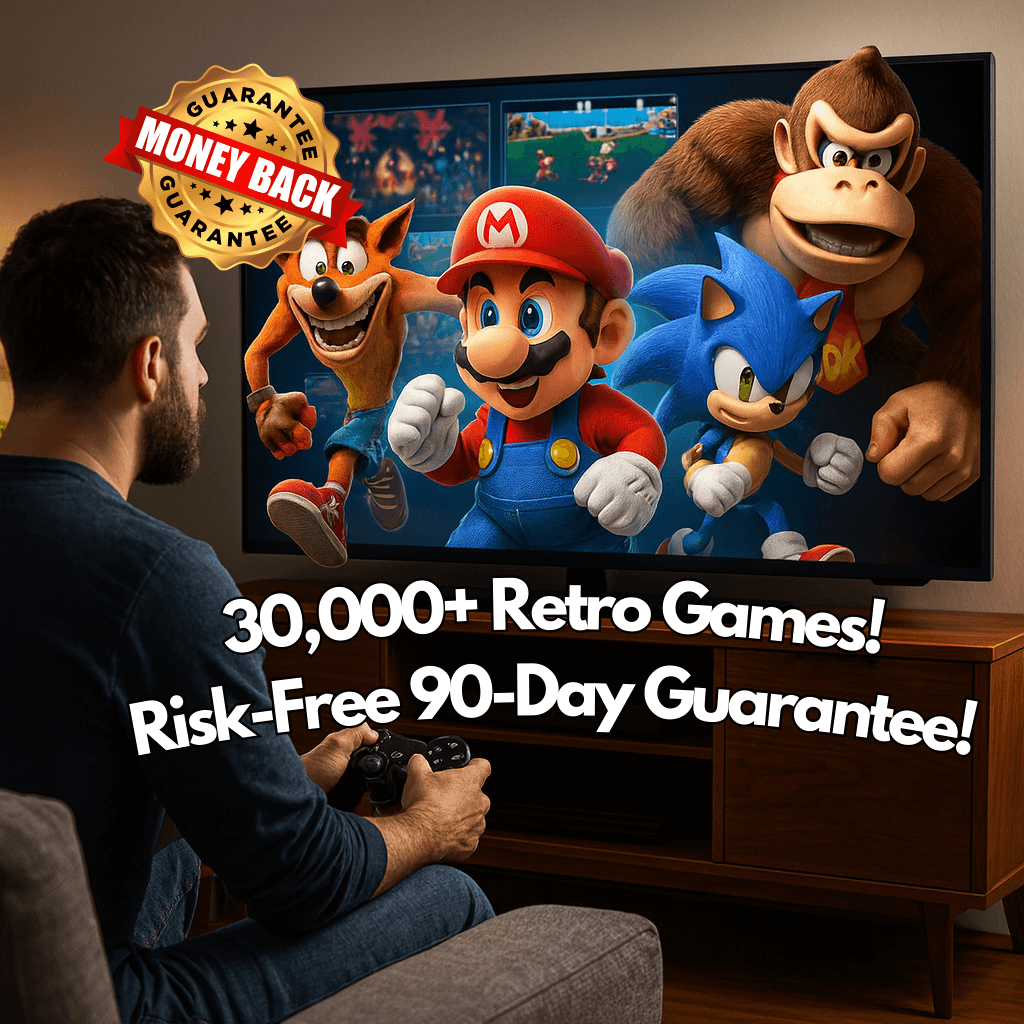
Over 30,000 Retro Games
Relive the golden era of gaming with an incredible collection of classic and retro titles.
Every game is optimized for modern screens and delivers sharp, brilliant 4K quality — for endless hours of fun and nostalgia.
SAVE 60%
ONLY TODAY!
FREE GIFTS!
SAVE 60%
ONLY TODAY!
FREE GIFTS!
SAVE 60%
ONLY TODAY!
FREE GIFTS!
SAVE 60%
ONLY TODAY!
FREE GIFTS!
SAVE 60%
ONLY TODAY!
FREE GIFTS!
SAVE 60%
ONLY TODAY!
FREE GIFTS!
SAVE 60%
ONLY TODAY!
FREE GIFTS!
SAVE 60%
ONLY TODAY!
FREE GIFTS!
SAVE 60%
ONLY TODAY!
FREE GIFTS!
SAVE 60%
ONLY TODAY!
FREE GIFTS!
SAVE 60%
ONLY TODAY!
FREE GIFTS!
SAVE 60%
ONLY TODAY!
FREE GIFTS!
Simple, Endless Fun
Turn any TV into a retro gaming console.
Includes wireless controllers & save function.

Gamers Bringing Retro Gems Back to Life!
-

The Whole Family Loves It!
Since we got the Pixrcade, our evenings have completely changed 🎮✨ We sit down, laugh, and play together again. Watching my kids enjoy the games I grew up with is such a special feeling ❤️ It’s brought back amazing memories for all of us!
-

My Boyfriend is Beyond Happy!
I gave it to my boyfriend for Christmas 🎁💖 and it was the perfect gift. The moment he turned it on, he kept saying, “These are all the games from my childhood!” 😍🔥 We played for hours that first night — totally worth it!
-

Our New Favourite Toy
I bought this for myself, but now my son loves it too 👨👦🎮 We play together almost every night, and I get to show him the games I grew up with. So much fun, so many games, and great memories every time ✨


